
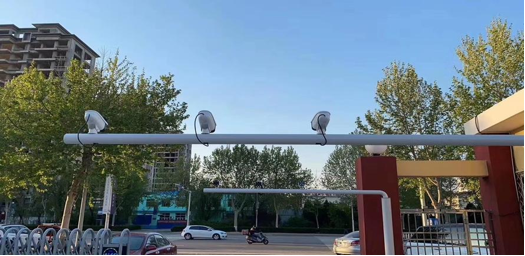
AI camera recognition/capture
The system captures and compares students facial images, then sends the entry/exit information to the corresponding parents (who must follow the schools official WeChat account and bind their mobile phone numbers). This allows parents to track their childrens arrival and departure times in real-time, facilitating pick-up and drop-off while preventing potential safety hazards from students lingering outside.
Collect and analyze student attendance data, including absentees and non-attendees, and report the results to homeroom teachers.
Record and trace
All AI cameras on campus capture and archive images, storing structured data including timestamps, locations, and individuals.
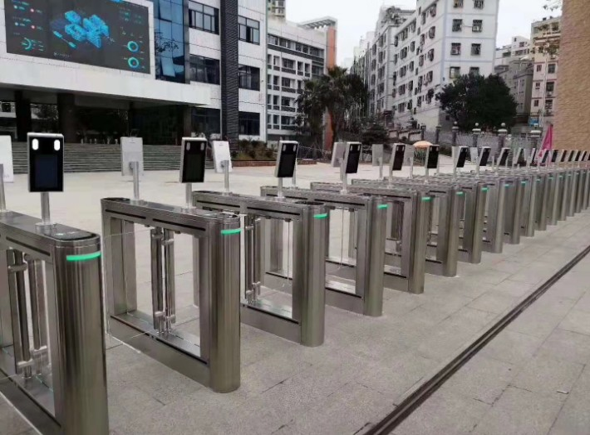
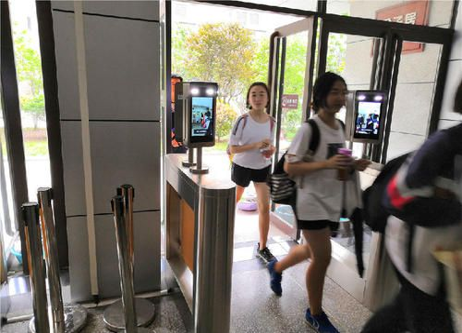
Face recognition gate control
Students and teachers are allowed to pass after facial recognition comparison.
Off-campus personnel are not allowed to pass and must register and be verified before entry.
Effectively prevent the social stray people from entering the school, and ensure the safety of students.
Facial recognition turnstiles require multiple channels to prevent congestion.
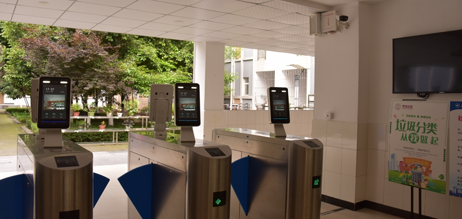
Using Face Recognition Turnstiles for Dormitory Control
Set check-in and check-out times for the accommodation. For example:
Open from 7:00 to 9:00 AM, 12:00 to 2:00 PM, and 4:00 to 10:00 PM. Doors are closed during other hours.
should be reported if they are not out: If a student remains in the dormitory after 9 a.m., the homeroom teacher and dormitory supervisor should be notified.
If the has not arrived at the dormitory area by 12:00 noon, the system will notify the homeroom teacher and dormitory supervisor.
If a remains in the dormitory area past 2 PM, the system will notify both the homeroom teacher and the dormitory supervisor.
Should be accounted for: If students fail to enter the dormitory area by 2:10 PM, their status will be reported to the homeroom teacher, dormitory supervisor, and parents.
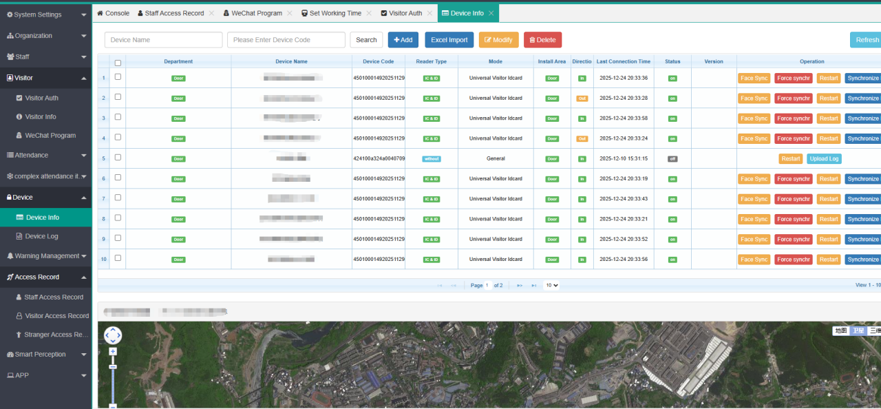
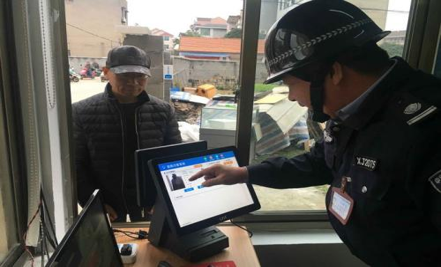
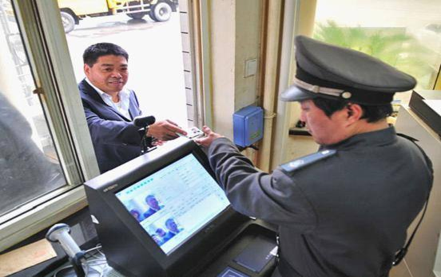
Visitor Management System
Visitors scan the schools QR code, register for appointment, select the teacher to visit, and submit for review. After approval, they can enter. Methods include facial recognition and QR code scanning.
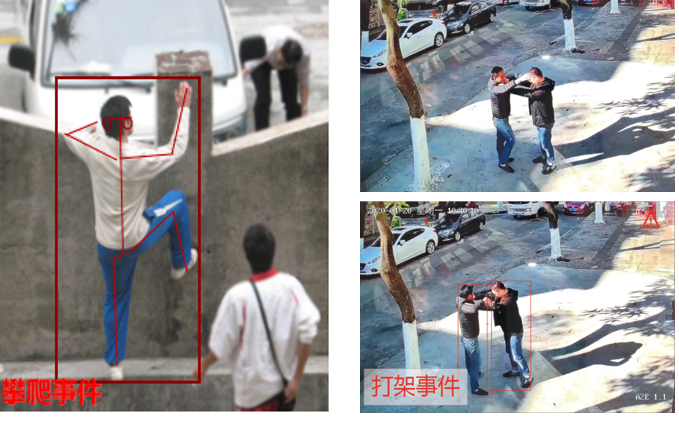
Using AI cameras for behavior analysis
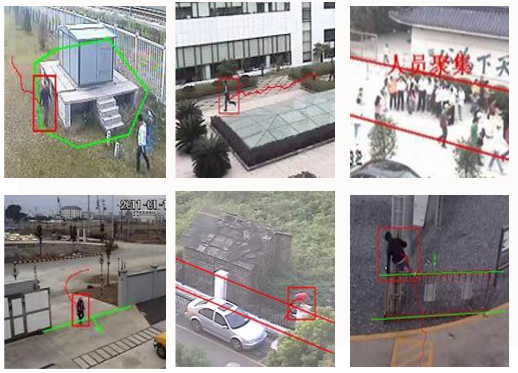
Prevent intrusions and climbing around the campus.
When someone enters the perimeter area, a voice alert is immediately broadcast: "You have entered the campus security zone. Please leave immediately."
The captured records are uploaded to the platform simultaneously.
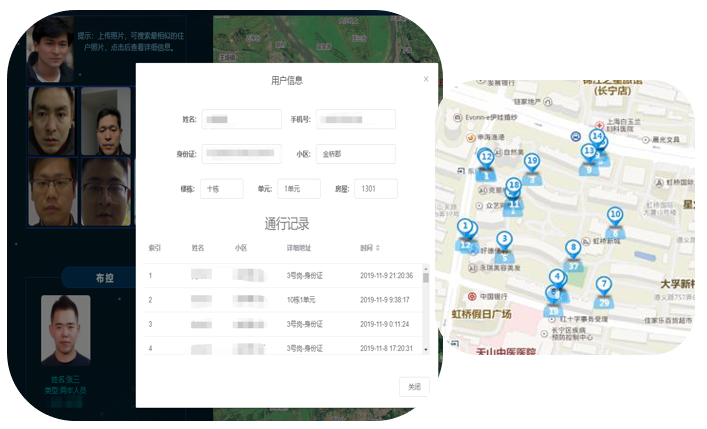
Safe Campus-Image Search / Trajectory Query
Search by image
Using facial feature recognition algorithms, upload a facial image to the AI cameras facial database on campus and identify the six most similar facial patterns.
trajectory query
After selecting six sets of facial images, each face displays its recorded data from recent days, including the camera capture location and time, forming a trajectory.
Analysis of AI Student Behavior
Real-time alerts and voice warnings are issued for behaviors such as fighting, climbing, etc. Meanwhile, edge boxes are utilized for personnel recognition and comparison, target tracking, trajectory recording, etc., while edge box applications handle the timely push and notification of alerts.
jump detection
Running recognition
Fall recognition
Running recognition
climbing recognition
Fight identification
Smoke detection
Smoking recognition
Phone ID
line detection
regional detection
management platform
Multi-level permission management
The platform has four permission levels: Education Bureau, School, Class, and Dormitory. Different accounts have different functions.
Edge deployment
The platform supports edge deployment in schools.